
LaTeX guides, templates and help.
Start here when you’re learning LaTeX, choosing a format, or stuck on an error.
Start here
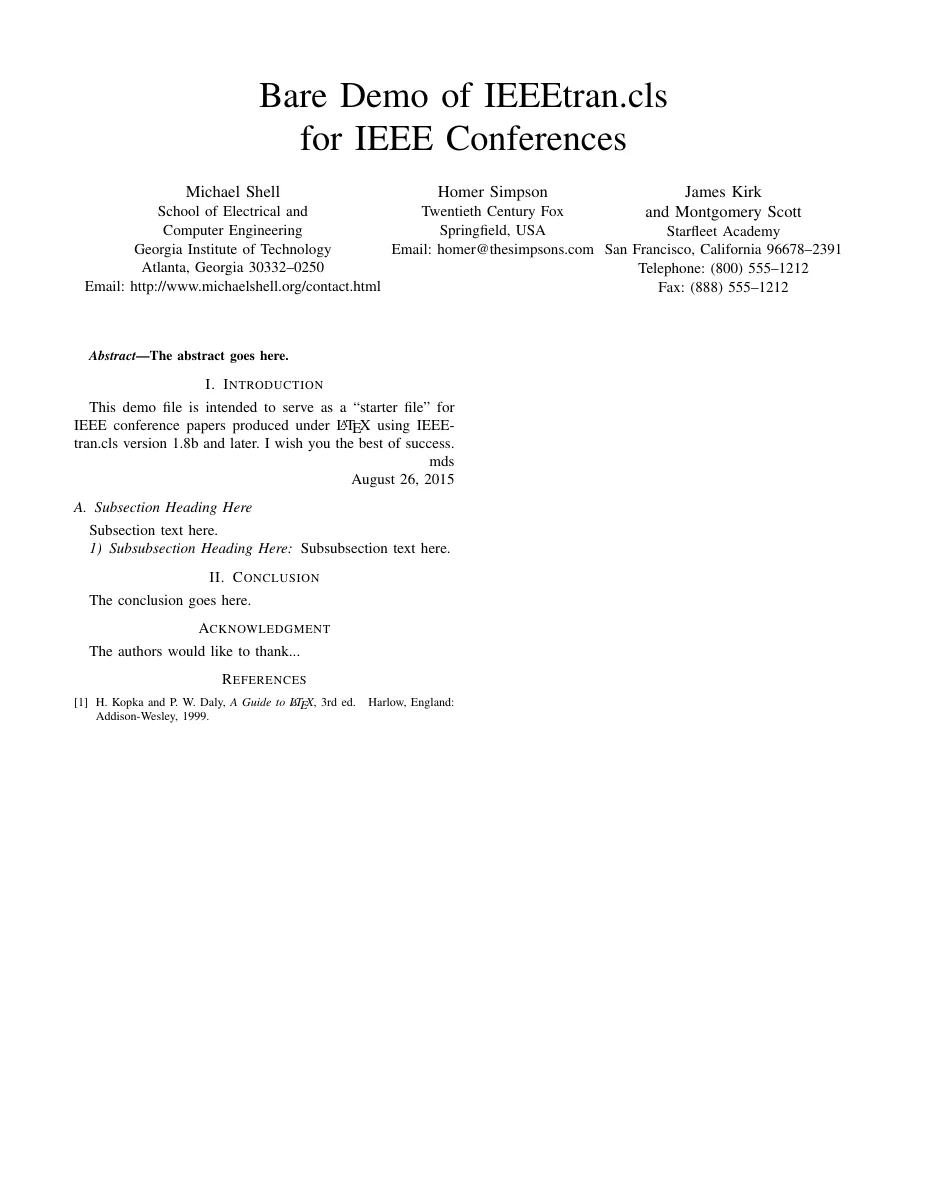
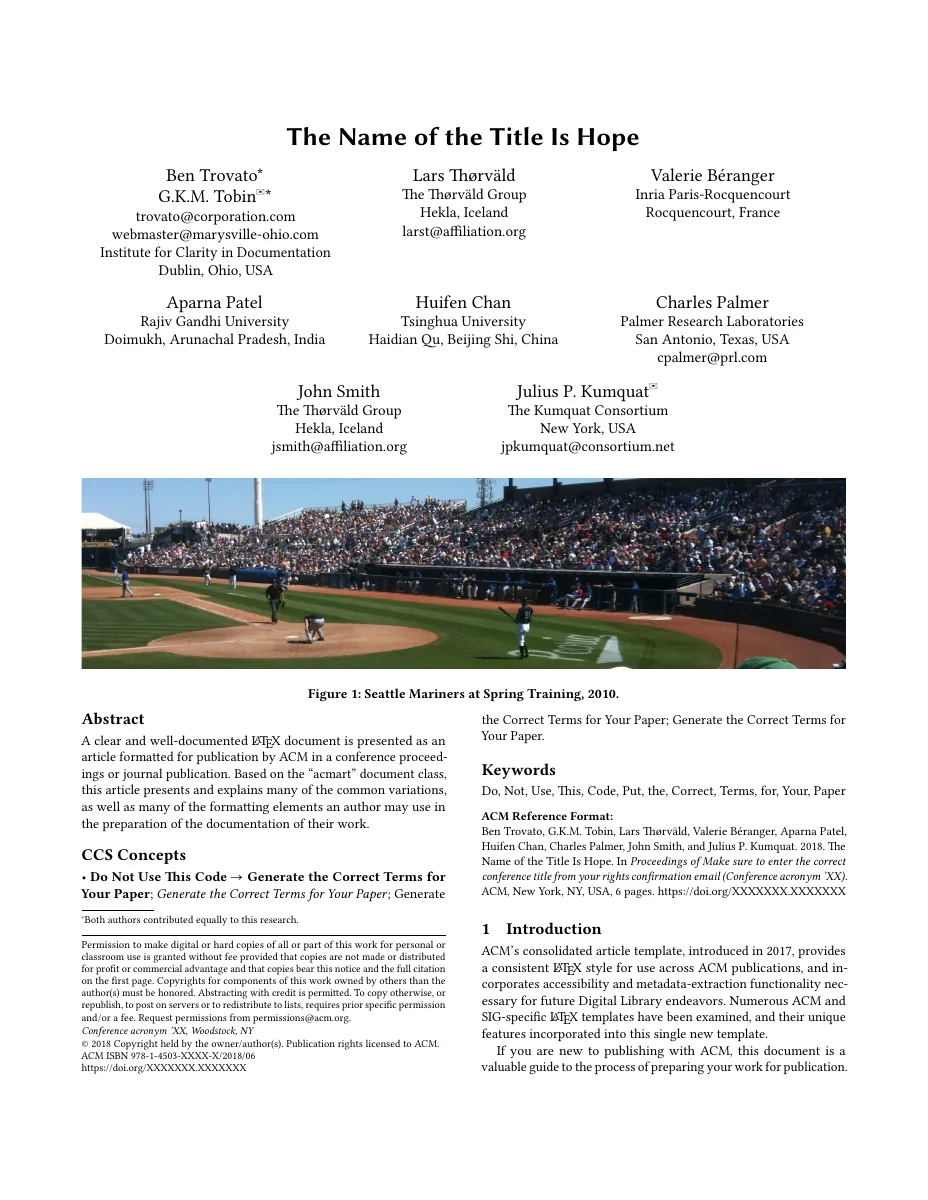
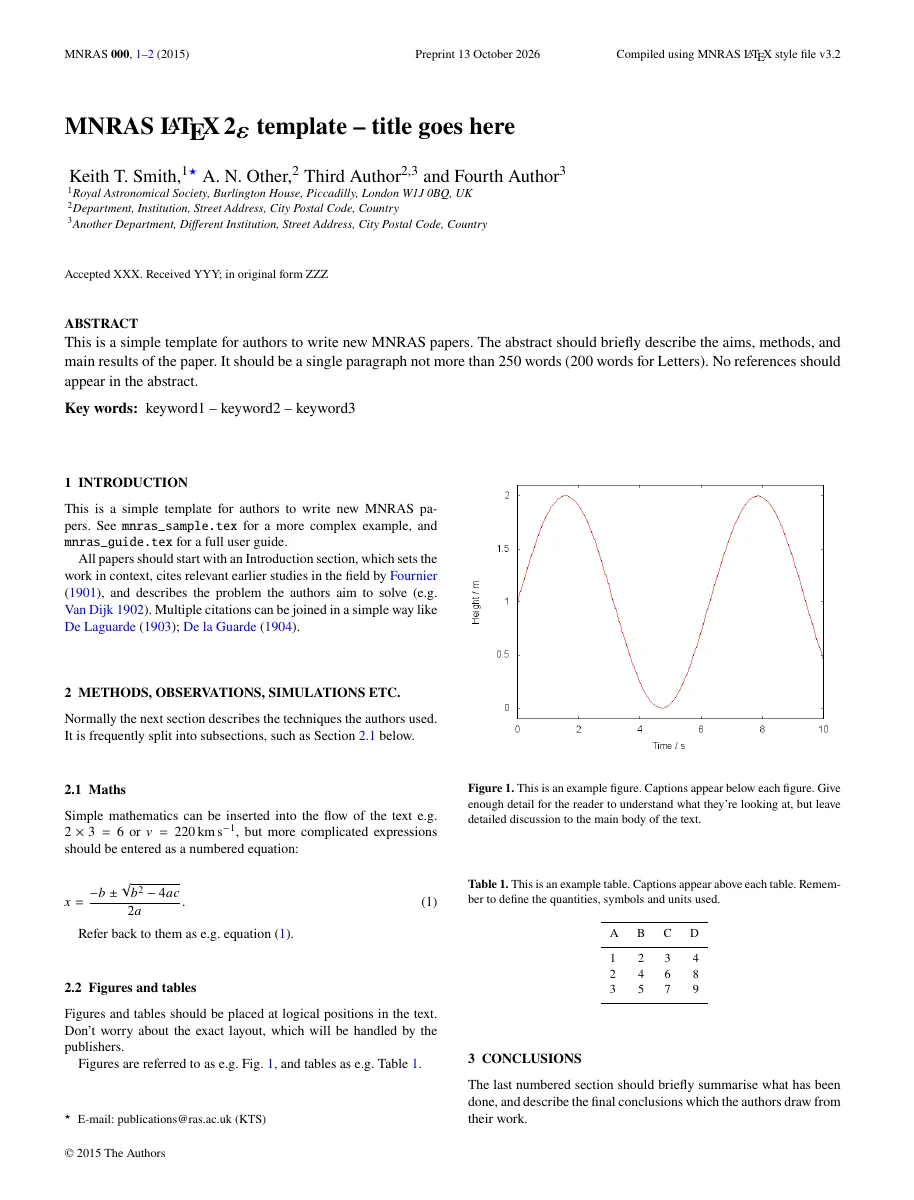
Fix common LaTeX errors.
Start with the first error in the log; later ones are often caused by it. In Tulip, click the red status at the bottom of the editor to jump to each error’s line.
Undefined control sequence
What it means
LaTeX doesn’t know a command. Usually a typo, or a command from a package you haven’t loaded.
How to fix it
Check the spelling on the reported line. If the command comes from a package, add that package to the preamble.
% \SI{3}{\metre} needs the siunitx package:
\usepackage{siunitx}
Missing $ inserted
What it means
A math-only character such as _, ^ or \alpha appears in ordinary text.
How to fix it
Put mathematics inside $…$. To print an underscore in text, write \_.
The rate $k_1$ was measured in file\_name.csv.
File `figure.png' not found
What it means
The path in \includegraphics or \input doesn’t match a file in the project.
How to fix it
Upload the file, then match the folder, the capitalization and the extension exactly. Paths are relative to the main document.
File `custom.sty' not found
What it means
A class or style file isn’t available. TeX Live packages download automatically, so this is usually a publisher or personal file.
How to fix it
Upload the original .cls or .sty file from the publisher’s template into the project.
Citation `key' undefined (?? in the PDF)
What it means
The citation key isn’t in your bibliography, or the bibliography step hasn’t run yet.
How to fix it
Check the key in your .bib file and the \addbibresource or \bibliography path, then compile again. Citations can need a second pass.
Missing } inserted, or Extra }
What it means
Braces don’t balance.
How to fix it
Start at the reported line and work backwards to find the { or } without a partner. The editor highlights matching braces.
\begin{figure} ended by \end{table}
What it means
Environments are closed in the wrong order, or one is missing its \end.
How to fix it
Make every \begin{…} close with the matching \end{…}, innermost first.
Misplaced alignment tab character &
What it means
An & appears outside a table or alignment environment.
How to fix it
In ordinary text, write \&.
fontspec requires XeTeX or LuaTeX
What it means
Your document uses system fonts but is being compiled with pdfLaTeX.
How to fix it
Choose XeLaTeX or LuaLaTeX in Project settings → Typesetting. Tulip usually picks the right engine on its own.
Overfull \hbox (badness 10000)
What it means
A warning, not an error: a line is too wide for the text block, often because of a long URL or an unbreakable word.
How to fix it
Look at the reported line in the PDF. Wrap URLs in \url{…}, rephrase, or let a long word break with \-.
Too many unprocessed floats
What it means
Many figures or tables are waiting for a place on the page.
How to fix it
Add \clearpage after a group of figures, or allow more placements with [htbp].
Not listed? Search Tulip help or send us the first error message.
Reference
Trusted documentation from the LaTeX community.
LearnLaTeX
A free beginner course recommended by the LaTeX Project.
learnlatex.orgThe LaTeX Project documentation
Core documentation from the people who maintain LaTeX.
latex-project.orgCTAN
Manuals for every LaTeX package. Search a package name to read its documentation.
ctan.orgDetexify
Draw a symbol and get its LaTeX command.
detexify.kirelabs.org